

Training guide
FTP test: your threshold power on the bike
FTP, functional threshold power, is roughly the power you can hold for an hour. It is the basis of your power zones, so each interval and each long ride gets the right effort.
Updated
How the test works
- Warm up for 15 minutes.
- Do three short one-minute efforts, with rest in between.
- Pedal easy for five minutes.
- Ride 20 minutes as hard as you can evenly.
- Cool down for 10 minutes.
How to work it out
Your FTP is 95 percent of your average power over the 20 minutes. If you average 250 watts, your FTP is 238 watts. Your average heart rate over the same 20 minutes gives your threshold heart rate on the bike: 95 percent of it.
A test you can trust
- Start controlled. Most people start too hard and fade at the end.
- Ride on the trainer or on a road without stops, so the effort is even.
- Test rested, not the day after a hard session.
What TriQuest does
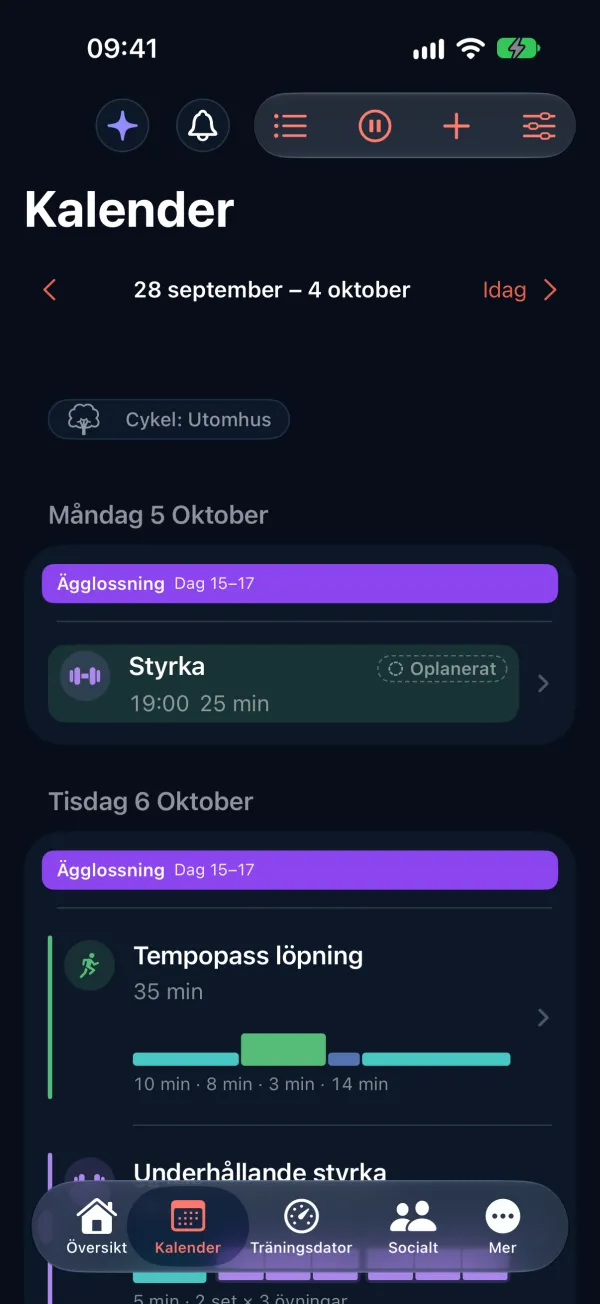
- Plan a threshold test puts the FTP test in your calendar, and the workout goes to your Garmin with the test's steps.
- The power is read from what you recorded, and your new FTP updates your zones when you approve it.
- Bike workouts have targets in watts from your FTP, or in heart rate if you ride without a power meter.
Common questions
Common questions about FTP
Do I need a power meter?
To measure FTP you need power, from a power meter or a smart trainer. Without power, you train by heart rate instead.
How often should I test?
When your fitness has changed noticeably, often after a training block of a few months.
More about TriQuest

Training guides
Heart rate zones, tests, long runs, tapering and race fuelling.

Race fuelling
Carbohydrate, fluid and sodium per hour, by the race's length.
Rest and recovery
Fitness is built during rest: lighter weeks, sleep and heart rate.
How many workouts a week?
How much you need to train, and how to split the sessions.
Ready to train smarter?
Let TriQuest bring the plan, the workouts, the analysis and the coaching together in one place.