

Menstrual cycle
Menstrual cycle and training: your cycle beside your plan
How does your cycle affect your training, recovery and how you feel? In TriQuest you track your menstrual cycle beside your plan, and the AI looks for patterns in your own data, not in a general table.
How it works
You choose what is tracked and who may see it. Everything rests on what you record, and everything estimated is labelled an estimate.
- Turn on Menstrual cycle under Body, on the web, in the iPhone app or in the Android app.
- Log your period and symptoms in TriQuest, or bring them in from Garmin Connect, or from Apple Health and Health Connect, where most cycle apps write.
- TriQuest works out your cycle from what you record: cycle day, phase, average cycle length and range, and when your next period is expected.
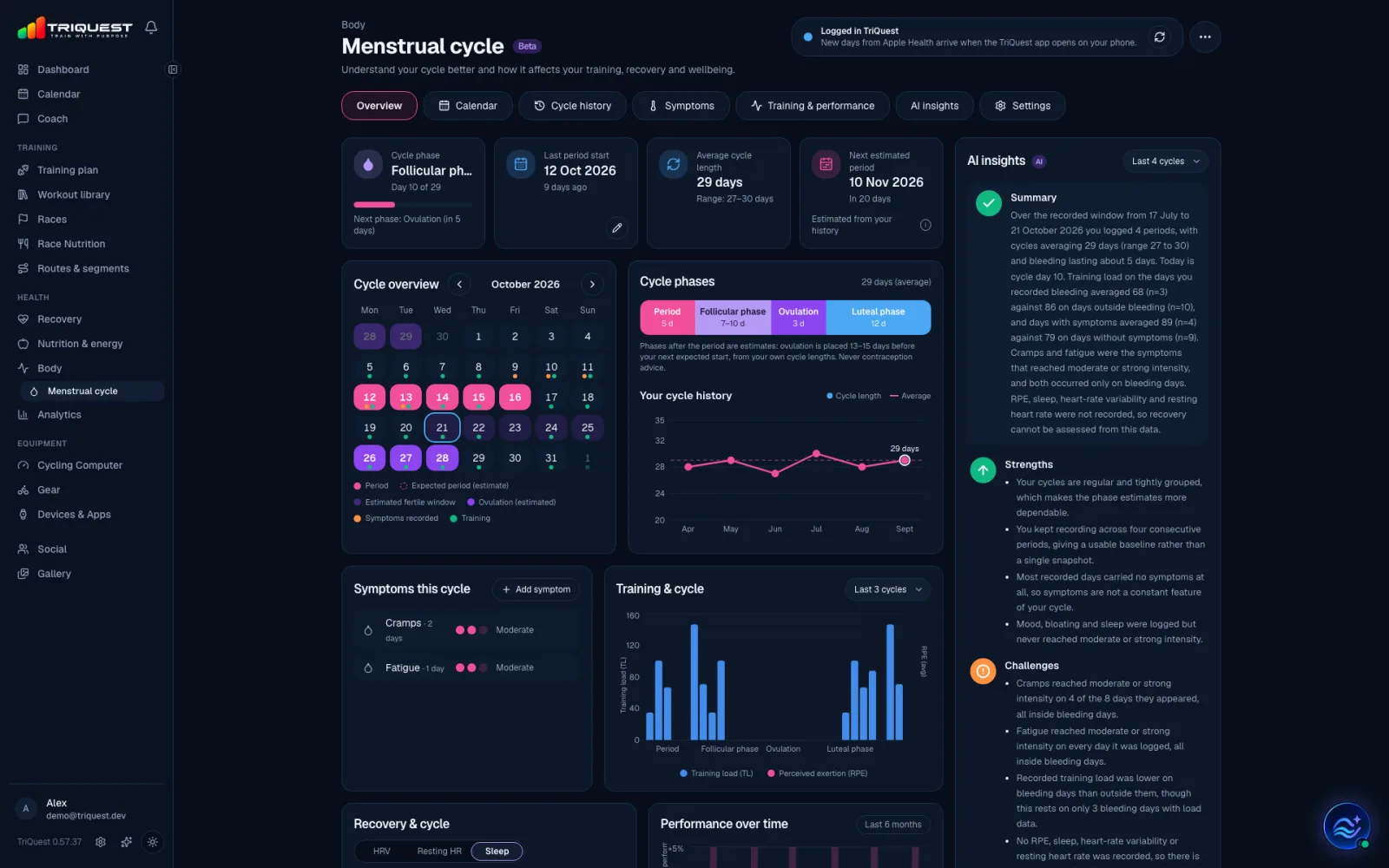
Your cycle at a glance
- The overview shows your phase and cycle day, your last period start, your average cycle length and your next estimated period.
- The cycle phases period, follicular phase, ovulation and luteal phase, estimated from your own cycle lengths.
- The month with periods, expected periods, the estimated fertile window, symptoms and training day by day.
- The cycle history shows how long your cycles have been and how much they vary.
- Symptoms such as cramps, fatigue, headache, sleep, mood and bloating, as mild, moderate or strong.
Training and recovery across the cycle
- Training load and perceived exertion by phase, so you can see whether some parts of your cycle tend to feel harder.
- How many of your planned sessions you completed in each phase.
- Sleep, HRV and resting heart rate across the cycle, compared with your own average, when your watch measures them.
- Comparisons of days with and without bleeding, and with and without symptoms, with how many days each comparison rests on.
In your training calendar
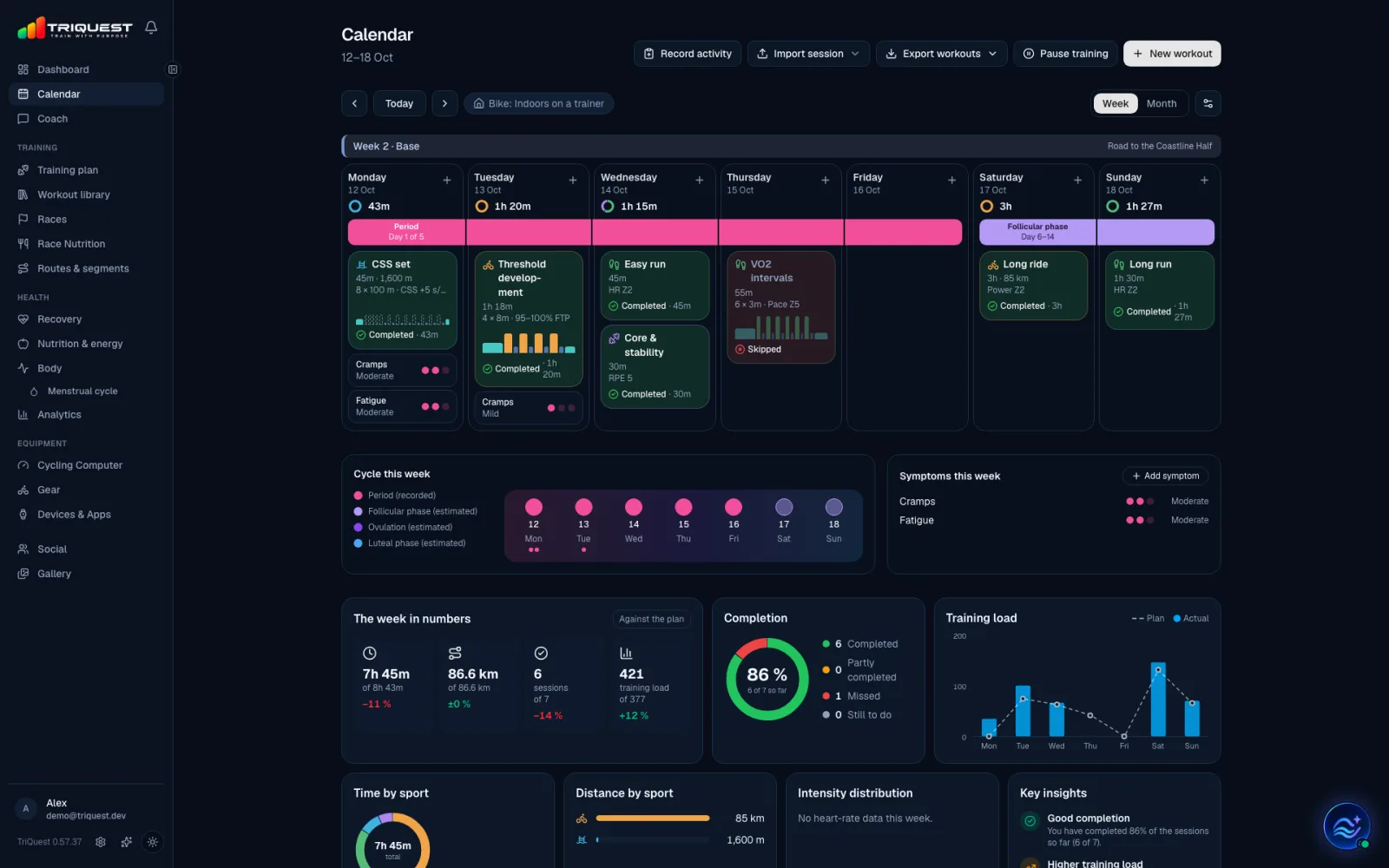
- Show your period, the cycle phases, your symptoms and your next expected period right in the training calendar, each on its own.
- Each day gets a phase strip under its header and its symptoms after the sessions, and the week a summary of the cycle.
- All of it is off until you turn it on, and the sessions and sport colours never change.
How the AI helps
- AI insights: TriQuest's AI reads the comparisons from your own cycles and writes a summary, strengths, challenges, recommendations and what the data can't yet say.
- Each point rests on your numbers and says how many days it is based on. Patterns are described as possible, never as causes.
- No general phase rules like always training harder in the follicular phase or resting during your period. The recommendations follow how your own training and recovery have looked.
- Impact on the coming week: each planned session in the next seven days is flagged when your logged symptoms or last night's sleep suggest listening to your body, never from the phase alone.
- The coach: if you allow it, TriQuest Coach reads your cycle and can propose moving or easing a session. The change applies only when you approve it.
Private from the start
- Menstrual cycle is off until you turn it on, and is there for you if your profile says woman.
- TriQuest's AI reads your cycle only if you allow it, in a choice of its own. Turning it off deletes the AI insights.
- A coach you train with sees your cycle only if you give that coach the right to see it.
- Your cycle never shows on share links, in the social feed or in exports to other apps. You can delete all cycle data whenever you like.
- If you use hormonal contraception, no phases or ovulation are estimated.
- This is training support, not medical or contraception advice. If you often have strong symptoms, it is worth talking to a healthcare professional.
More about TriQuest
Triathlon
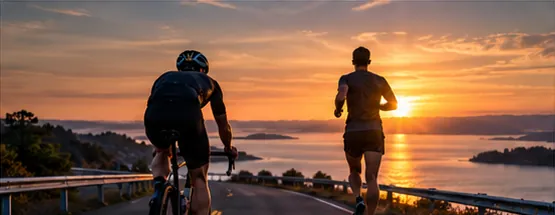
Plans from sprint to full distance, with bricks, a taper and race nutrition.
Running
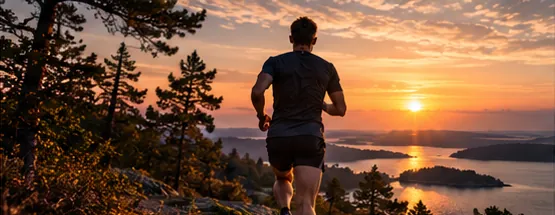
Plans from 5 km to the marathon, with pace and heart-rate zones.
Cycling
Plans for bike races, a training computer, routes and power intervals.
Cross-country skiing
Plans for ski races, on snow or roller skis by the season.
Vasaloppet
90 km from Sälen to Mora: long sessions, double poling and roller skis to snow.
Vätternrundan
315 km around Lake Vättern: long rides that grow, the trainer in winter and fuel all the way.
Bike computer
Build your own screens for every bike, on your phone.
Ready to train smarter?
Let TriQuest bring your plan, sessions, analysis and coaching together in one place.